How to use this calculator
Inflate a required complete-case count to an enrollment target that allows for an expected participant loss fraction.
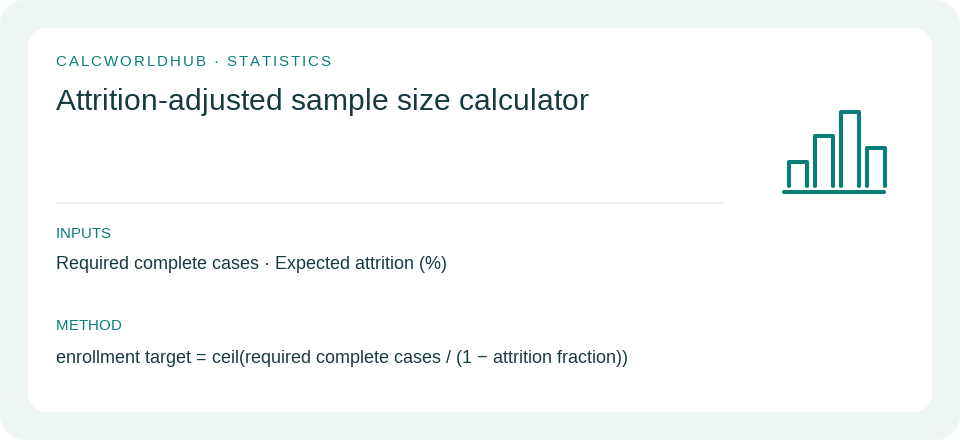
- Enter Required complete cases, Expected attrition (%). Match the units shown beside each field and review the result together with the assumptions below.
- Read the worked example below to check the expected input format and result.
- Compare another scenario by changing one input at a time. Use Reset to return to the starting values.
How Attrition-adjusted sample size calculator works
Inflate a required complete-case count to an enrollment target that allows for an expected participant loss fraction.
Inputs and units
- Required complete cases: Enter the required number of complete cases as a positive whole-number target.
- Expected attrition (%): Enter expected attrition as a percentage from 0 up to but not including 100.
Formula and method
enrollment target = ceil(required complete cases / (1 − attrition fraction))
Worked example
To retain 100 complete cases with 20% expected attrition, enroll ceil(100/0.8) = 125 participants.
Interpreting the result
The rounded-up target is the smallest integer enrollment that meets the requested complete-case count under the assumed loss rate.
Assumptions and limits
Assumes a common attrition fraction and does not model differential dropout, cluster loss, nonresponse bias, or uncertainty in the attrition estimate. It inflates enrollment only; it does not calculate statistical power.
Frequently asked questions
Why is the enrollment target rounded up?
A fraction of a participant cannot be enrolled, and rounding down could leave fewer than the required complete cases.
Does this account for attrition bias?
No. It adjusts the count only; differences between those lost and retained can still bias results.
How do I use the Attrition-adjusted sample size calculator?
Enter Required complete cases, Expected attrition (%). Match the units shown beside each field and review the result together with the assumptions below.
What is a worked example of Attrition-adjusted sample size?
To retain 100 complete cases with 20% expected attrition, enroll ceil(100/0.8) = 125 participants.
What does the Attrition-adjusted sample size calculator calculate?
Inflate a required complete-case count to an enrollment target that allows for an expected participant loss fraction.