Drywall sheet count calculator
Estimate whole drywall sheets from wall area, sheet dimensions, and an extra-area allowance, with upward rounding.
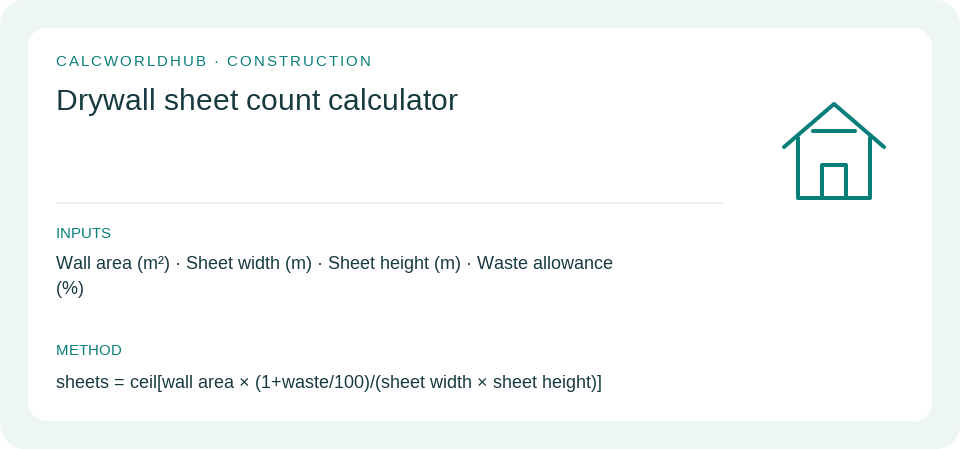
inputs.
How to use this calculator
Estimate whole drywall sheets from wall area, sheet dimensions, and an extra-area allowance, with upward rounding.
- Enter Wall area (m²), Sheet width (m), Sheet height (m), Waste allowance (%). Match the units shown beside each field and review the result together with the assumptions below.
- Read the worked example below to check the expected input format and result.
- Compare another scenario by changing one input at a time. Use Reset to return to the starting values.
How the Drywall sheet count calculator works
Estimate whole drywall sheets from wall area, sheet dimensions, and an extra-area allowance, with upward rounding.
Inputs and units
- Wall area (m²): Nonnegative net wall area in m².
- Sheet width (m): Positive sheet width in metres.
- Sheet height (m): Positive sheet height in metres; its product with width gives one-sheet area.
- Waste allowance (%): Nonnegative extra-area percentage applied before rounding.
Formula and method
sheets = ceil[wall area × (1+waste/100)/(sheet width × sheet height)]
Worked example
52 m² with 10% extra needs 57.2 m². Each 1.2×2.4 m sheet covers 2.88 m²; ceil(57.2/2.88) = 20 sheets.
Interpreting the result
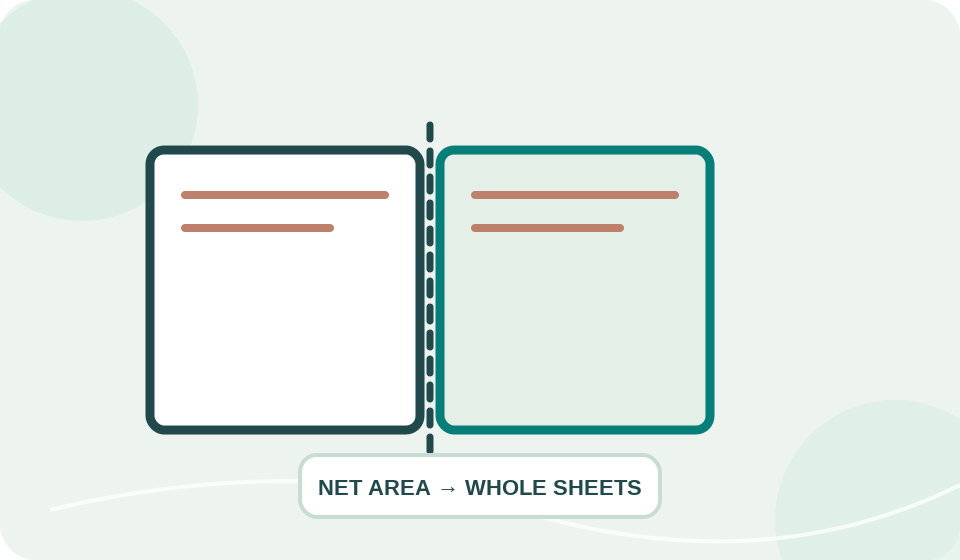
The count is an area-based purchasing estimate; it does not optimize individual cuts or seams.
Assumptions and limits
Use net wall area after any chosen opening deductions. Openings, orientation, board type, offcut reuse, and double layers can change the order.
Frequently asked questions
Does this plan the sheet layout?
No. It divides total adjusted area by sheet area; cut layout and seam placement can require more sheets.
Is waste applied before or after rounding?
Before rounding: increase the required area, then round the sheet count up.
How do I use the Drywall sheet count calculator?
Enter Wall area (m²), Sheet width (m), Sheet height (m), Waste allowance (%). Match the units shown beside each field and review the result together with the assumptions below.
What is a worked example of Drywall sheet count?
52 m² with 10% extra needs 57.2 m². Each 1.2×2.4 m sheet covers 2.88 m²; ceil(57.2/2.88) = 20 sheets.
What does the Drywall sheet count calculator calculate?
Estimate whole drywall sheets from wall area, sheet dimensions, and an extra-area allowance, with upward rounding.
See the calculation methodology.