Fence post spacing estimator
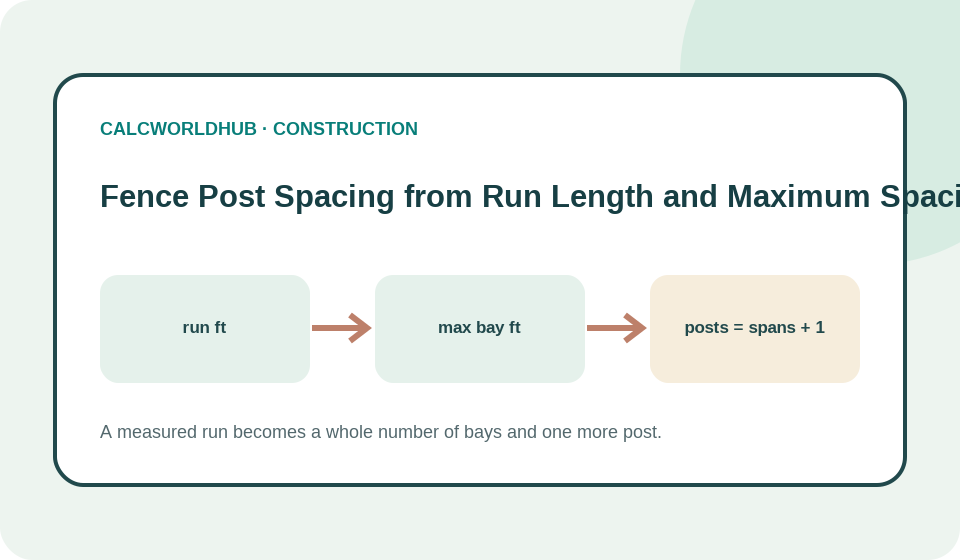
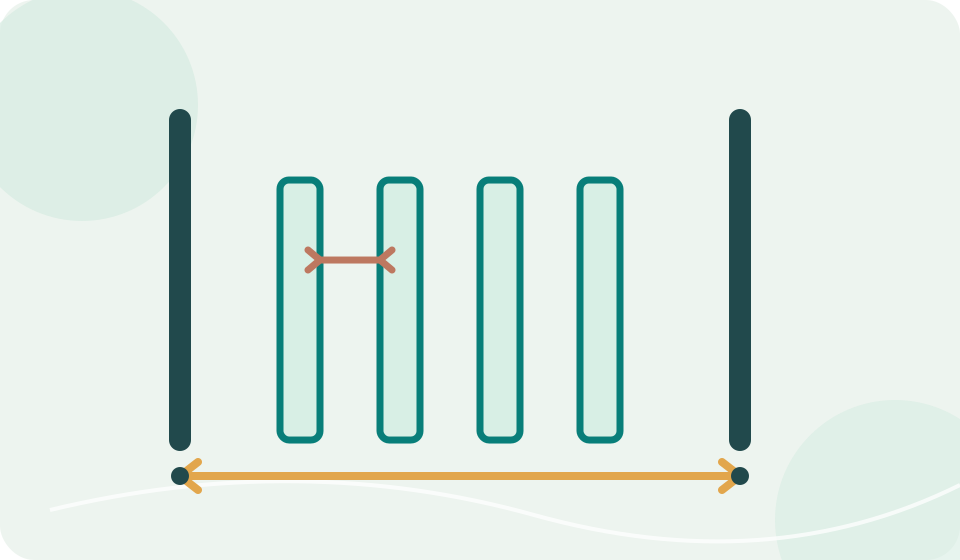
The estimator divides one straight fence length into spans no longer than the chosen spacing, then places a post at both endpoints.
Calculator
How to use this calculator
Estimate post count for one straight fence run when the entered distance is a maximum span between posts.
- Straight fence length (ft) Maximum post spacing (ft)
- Read the worked example below to check the expected input format and result.
- Compare another scenario by changing one input at a time. Use Reset to return to the starting values.
Fence post spacing estimator
The estimator divides one straight fence length into spans no longer than the chosen spacing, then places a post at both endpoints.
Inputs and units
- Straight fence length (ft)
- Maximum post spacing (ft)
Formula and method
Formula: Spans = ceil(run length ÷ maximum spacing); posts = spans + 1.
Worked example
For a 120 ft straight run and maximum spacing 8 ft, spans = 120/8 = 15 and posts = 15 + 1 = 16.
Interpreting the result
The returned count includes both end posts. If the run is not evenly divisible by the spacing, the last span is shorter so no span exceeds the maximum.
Assumptions and limits
This simple line model does not add corner, gate, bracing, grade-change, or terminal posts. Local loads, soil, materials, and fence design may require closer spacing.
Frequently asked questions
Why add one post to the span count?
A straight line of 15 spans has 16 endpoints/posts when both ends are supported.
Does this include gate and corner posts?
No. Add posts required for gates, corners, bracing, and terrain separately.
How do I use the Fence post spacing estimator?
Straight fence length (ft) Maximum post spacing (ft)
What is a worked example of Fence post spacing estimator?
For a 120 ft straight run and maximum spacing 8 ft, spans = 120/8 = 15 and posts = 15 + 1 = 16.
What does the Fence post spacing estimator calculate?
Estimate post count for one straight fence run when the entered distance is a maximum span between posts.
See the calculation methodology.
Good calculators show their work.
CalcWorldHub is built around clear inputs and visible assumptions. Results are estimates for planning; check official sources or your provider’s terms when exact figures matter.