Insert & divider layout calculator
Estimate equal grid-cell dimensions after accounting for divider thickness inside a rectangular insert.
Calculator
How to use this calculator
Estimate equal grid-cell dimensions after accounting for divider thickness inside a rectangular insert.
- Enter Inside length (in), Inside width (in), Columns, Rows, then complete the remaining labeled fields. Match the units shown beside each field and review the result together with the assumptions below.
- Read the worked example below to check the expected input format and result.
- Compare another scenario by changing one input at a time. Use Reset to return to the starting values.
Insert & divider layout calculator
Estimate equal grid-cell dimensions after accounting for divider thickness inside a rectangular insert.
What it measures
The layout subtracts internal divider thickness from the usable span, then divides the remaining width evenly among columns and rows.
Inputs and units
- Inside length (in): Inside length of the insert in inches.
- Inside width (in): Inside width of the insert in inches.
- Columns: Positive whole-number count of columns.
- Rows: Positive whole-number count of rows.
- Divider thickness (in): Divider thickness in inches; zero is a valid no-divider boundary.
Formula and method
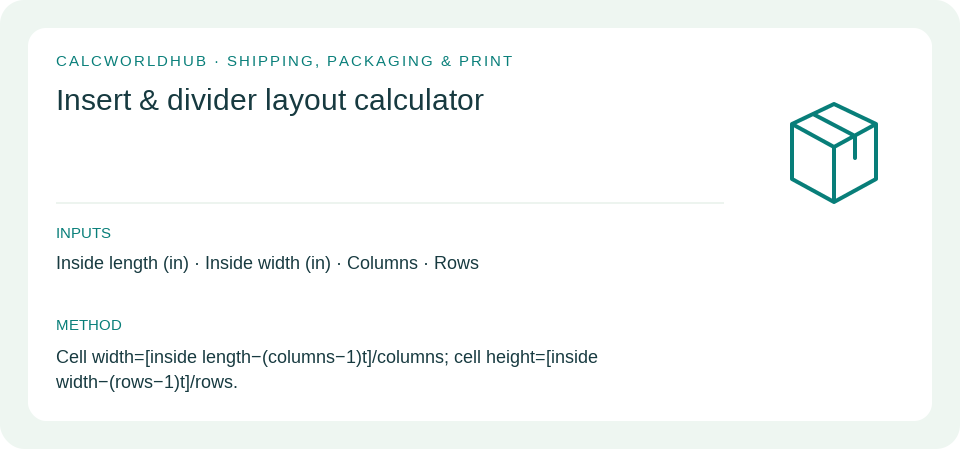
Cell width=[inside length−(columns−1)t]/columns; cell height=[inside width−(rows−1)t]/rows.
Worked example
12 in length, 8 in width, 2×2 grid, 0.1 in dividers gives 5.95×3.95 in cells.
Interpreting the result
The output is clear space per compartment before material tolerance or fit allowance.
Assumptions and limits
Assumes straight dividers of uniform thickness and equal compartments; it does not design joints, corner relief, or material kerf.
Frequently asked questions
Why must divider thickness be smaller than the available span?
The remaining clear dimension must be positive for compartments to exist.
Can the grid have one row or column?
Yes. A count of one is valid and subtracts no internal divider in that direction.
How do I use the Insert & divider layout calculator?
Enter Inside length (in), Inside width (in), Columns, Rows, then complete the remaining labeled fields. Match the units shown beside each field and review the result together with the assumptions below.
What is a worked example of Insert & divider layout?
12 in length, 8 in width, 2×2 grid, 0.1 in dividers gives 5.95×3.95 in cells.
What does the Insert & divider layout calculator calculate?
Estimate equal grid-cell dimensions after accounting for divider thickness inside a rectangular insert.
See the calculation methodology.
Good calculators show their work.
CalcWorldHub is built around clear inputs and visible assumptions. Results are estimates for planning; check official sources or your provider’s terms when exact figures matter.