How to use this calculator
Estimate battery percentage-point drain per hour and time until a chosen reserve from two observed charge readings.
- Enter Earlier state of charge (%), Current state of charge (%), Elapsed time (hours), Reserve level (%). Match the units shown beside each field and review the result together with the assumptions below.
- Read the worked example below to check the expected input format and result.
- Compare another scenario by changing one input at a time. Use Reset to return to the starting values.
How this calculation works
When a device’s power demand changes from moment to moment, a short observed state-of-charge interval can be more useful than a fixed-load model. Enter the earlier and current charge readings plus elapsed time; the estimator carries that average percentage-point rate forward to a reserve level.
Inputs and units
earlierSocPct— Earlier state of charge (%)- Device charge reading at the start of the observed interval.
currentSocPct— Current state of charge (%)- Later charge reading from the same device.
elapsedHours— Elapsed time (hours)- Time between the earlier and current charge readings.
reserveSocPct— Reserve level (%)- Charge level at which you want the estimate to stop.
Formula
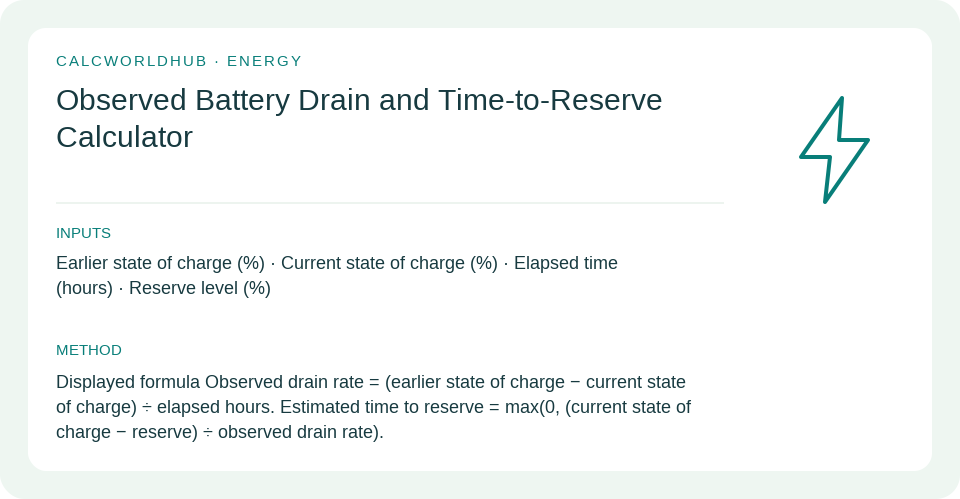
Observed drain rate = (earlier state of charge − current state of charge) ÷ elapsed hours. Estimated time to reserve = max(0, (current state of charge − reserve) ÷ observed drain rate).
Method
This is a linear extrapolation of percentage points per hour, not a battery-capacity or electrochemical model. Use readings from the same device and a representative operating period.
Worked example
A device dropping from 80% to 55% over 5 hours used charge at an average 5 percentage points per hour. From 55% down to a 20% reserve, the linear estimate is 35 ÷ 5 = 7 hours.
Assumptions and limits
State-of-charge displays are estimates, and battery drain changes with screen use, signal strength, background tasks, temperature, aging, and workload. The output is a planning estimate, not a promise of runtime or a battery-health diagnosis.
Frequently asked questions
Is a percentage-point drain rate the same as percent battery capacity per hour?
It is the change in the displayed state-of-charge percentage points per hour. It does not directly measure amp-hours or energy unless battery capacity and state-of-charge accuracy are independently known.
How long should I observe the battery?
Choose an interval long enough to reduce display rounding noise and representative of the use you want to plan for. A different workload can produce a different result.
Why can actual runtime differ?
The estimate assumes the observed average rate continues. Apps, brightness, radio conditions, temperature, battery aging, and power-saving settings can change drain.
Can I use this to diagnose battery health?
No. A drain-rate observation is not a standardized capacity test. Use the device maker’s battery-health diagnostics or service guidance for condition assessment.
How do I use the Observed Battery Drain and Time-to-Reserve Calculator?
Enter Earlier state of charge (%), Current state of charge (%), Elapsed time (hours), Reserve level (%). Match the units shown beside each field and review the result together with the assumptions below.
Read our calculation methodology.