Progressive sales commission tiers calculator
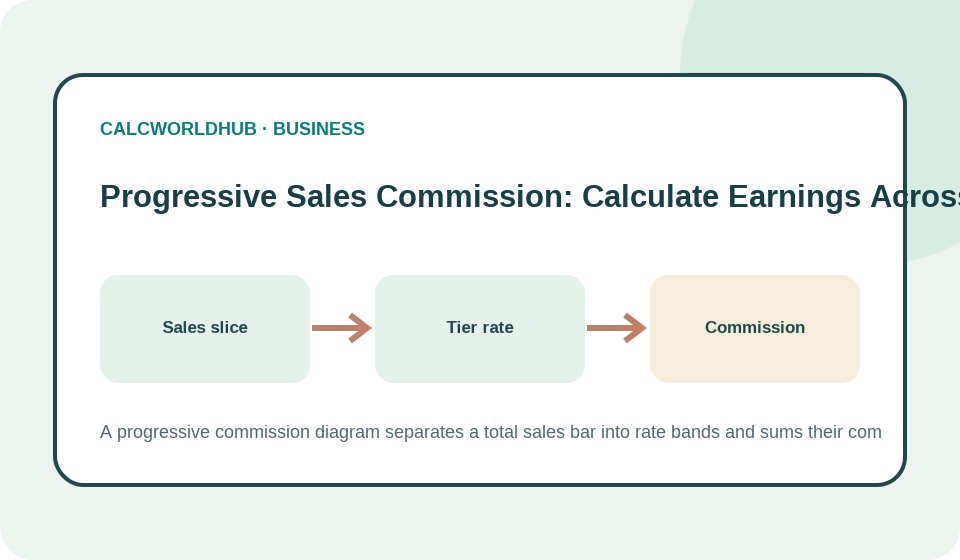
Calculate progressive sales commission by applying each tier rate only to sales within that bracket, then find the effective rate.
How to use this calculator
Calculate progressive sales commission by applying each tier rate only to sales within that bracket, then find the effective rate.
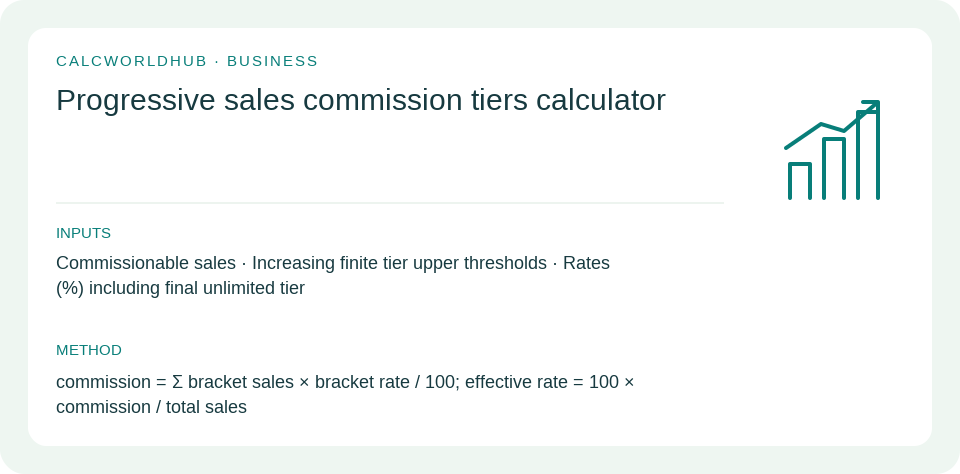
- Enter Commissionable sales, Increasing finite tier upper thresholds, Rates (%) including final unlimited tier. Match the units shown beside each field and review the result together with the assumptions below.
- Read the worked example below to check the expected input format and result.
- Compare another scenario by changing one input at a time. Use Reset to return to the starting values.
How the Progressive sales commission tiers calculator works
Calculate progressive sales commission by applying each tier rate only to sales within that bracket, then find the effective rate.
Inputs and units
- Commissionable sales: Nonnegative eligible sales for the commission period.
- Increasing finite tier upper thresholds: Strictly increasing cumulative sales ceilings; omit the unlimited final ceiling.
- Rates (%) including final unlimited tier: One percentage rate per bracket, including the final unlimited bracket; there must be one more rate than thresholds.
Formula and method
commission = Σ bracket sales × bracket rate / 100; effective rate = 100 × commission / total sales
Worked example
For 50,000 sales, thresholds 10,000 and 30,000, and rates 3%, 5%, 8%: 10,000×0.03 + 20,000×0.05 + 20,000×0.08 = 2,900. Effective rate = 5.8%.
Interpreting the result
The highest tier rate applies only to the final slice of sales. The blended rate can remain far below that marginal rate.
Assumptions and limits
Assumes marginal progressive tiers, no accelerators retroactive to earlier sales, no draw, and no returns or clawbacks. Use thresholds and sales in the same currency.
Frequently asked questions
Does reaching the 8% bracket apply 8% to all sales?
No. This progressive method applies 8% only above 30,000 in the example. A retroactive plan needs a different calculation.
What happens at zero sales?
Commission and the displayed effective rate are zero by convention; no commissionable revenue exists.
How do I use the Progressive sales commission tiers calculator?
Enter Commissionable sales, Increasing finite tier upper thresholds, Rates (%) including final unlimited tier. Match the units shown beside each field and review the result together with the assumptions below.
What is a worked example of Progressive sales commission tiers?
For 50,000 sales, thresholds 10,000 and 30,000, and rates 3%, 5%, 8%: 10,000×0.03 + 20,000×0.05 + 20,000×0.08 = 2,900. Effective rate = 5.8%.
What does the Progressive sales commission tiers calculator calculate?
Calculate progressive sales commission by applying each tier rate only to sales within that bracket, then find the effective rate.
See the calculation methodology.