How to use this calculator
Find the shared UTC scheduling window between two local working-hour ranges using explicit UTC offsets.
- Enter Person A workday start (local hour, 0–24), Person A workday end (local hour, 0–24), Person A UTC offset (hours), Person B workday start (local hour, 0–24), then complete the remaining labeled fields. Match the units shown beside each field and review the result together with the assumptions below.
- Read the worked example below to check the expected input format and result.
- Compare another scenario by changing one input at a time. Use Reset to return to the starting values.
How this calculation works
When collaborators work in different time zones, a local workday can shift into the previous or following UTC date. This tool maps both local intervals to UTC, accounts for overnight work windows, and reports their longest overlap in a repeating 24-hour cycle.
Inputs and units
startA— Person A workday start (local hour, 0–24)- Use decimal hours, such as 9.5 for 09:30.
endA— Person A workday end (local hour, 0–24)- An end earlier than start means the work window continues overnight.
offsetA— Person A UTC offset (hours)- Local time = UTC + offset; enter the offset for the meeting date.
startB— Person B workday start (local hour, 0–24)- Use decimal hours, such as 9.5 for 09:30.
endB— Person B workday end (local hour, 0–24)- An end earlier than start means the work window continues overnight.
offsetB— Person B UTC offset (hours)- Local time = UTC + offset; enter the offset for the meeting date.
Formula
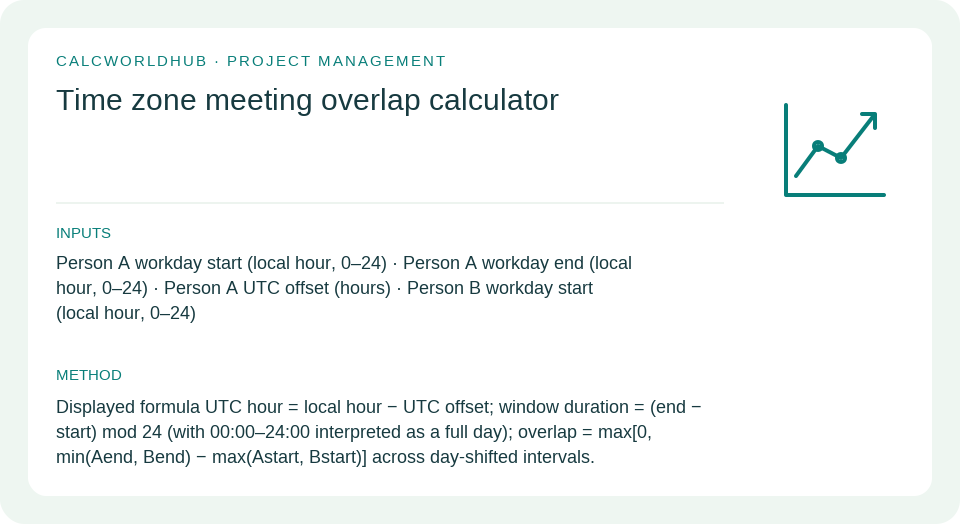
UTC hour = local hour − UTC offset; window duration = (end − start) mod 24 (with 00:00–24:00 interpreted as a full day); overlap = max[0, min(Aend, Bend) − max(Astart, Bstart)] across day-shifted intervals.
Method
Convert each start time using its numeric UTC offset, calculate each window’s duration modulo 24 hours, then compare the A interval with shifted copies of B. Report the longest common segment and its UTC start/end clock times.
Worked example
Person A works 09:00–17:00 at UTC−4; Person B works 09:00–17:00 at UTC+1. Their UTC windows are 13:00–21:00 and 08:00–16:00, leaving a three-hour overlap from 13:00 to 16:00 UTC.
Assumptions and limits
Offsets are user-entered and fixed; daylight-saving changes and date-specific time-zone rules are not inferred. Use the offset that will apply on the meeting date. Hours may include quarter-hour offsets; a start equal to end is rejected as ambiguous rather than assumed to mean a 24-hour shift.
Frequently asked questions
What does a negative UTC offset mean?
Local time is UTC plus the entered offset, so UTC−4 is four hours behind UTC.
Does it adjust for daylight saving time?
No. Enter the correct offset for the meeting date. Regional offsets can change seasonally and some locations use fractional-hour offsets.
What if the workday ends after midnight?
Enter an end hour smaller than the start hour; the calculator treats that interval as continuing into the next day.
How do I use the Time zone meeting overlap calculator?
Enter Person A workday start (local hour, 0–24), Person A workday end (local hour, 0–24), Person A UTC offset (hours), Person B workday start (local hour, 0–24), then complete the remaining labeled fields. Match the units shown beside each field and review the result together with the assumptions below.
What is a worked example of Time zone meeting overlap?
Person A works 09:00–17:00 at UTC−4; Person B works 09:00–17:00 at UTC+1. Their UTC windows are 13:00–21:00 and 08:00–16:00, leaving a three-hour overlap from 13:00 to 16:00 UTC.
Read our calculation methodology.