How to use this calculator
Check whether a request fits a refilling token bucket and find the balance or wait time under strict admission.
- Enter Bucket capacity (tokens), Current tokens before idle time, Refill rate (tokens/s), Idle time since last request (s), then complete the remaining labeled fields. Match the units shown beside each field and review the result together with the assumptions below.
- Read the worked example below to check the expected input format and result.
- Compare another scenario by changing one input at a time. Use Reset to return to the starting values.
How this calculation works
A strict token bucket stores credit up to a configured capacity. During an idle interval, credit increases by the refill rate times elapsed time, but it cannot exceed capacity. A request is admitted only when its full token cost is available; a rejected request leaves the balance unchanged. The wait estimate assumes no other requests arrive while the bucket refills.
Inputs and units
capacity— Bucket capacity (tokens)- Maximum stored credit, in the same token units as request cost.
current— Current tokens before idle time- Balance at the start of the supplied idle interval; it cannot exceed bucket capacity.
rate— Refill rate (tokens/s)- Tokens added per second. Set zero for a bucket that does not refill.
idle— Idle time since last request (s)- Elapsed time with no request consuming tokens.
request— Request cost (tokens)- Full token cost of this single request. A cost above capacity can never pass.
Formula
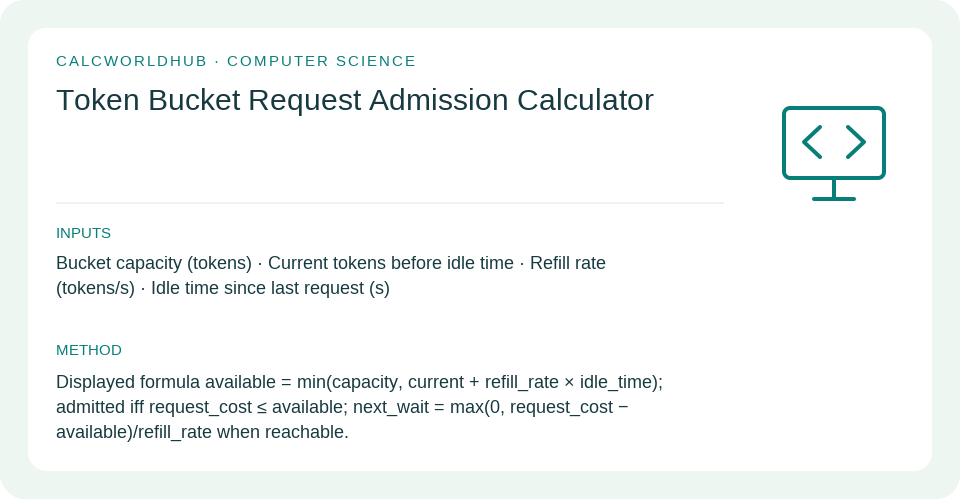
available = min(capacity, current + refill_rate × idle_time); admitted iff request_cost ≤ available; next_wait = max(0, request_cost − available)/refill_rate when reachable.
Method
Refill and cap the starting balance, compare the request cost with the available tokens, and subtract the cost only after admission. For a rejected request, report the time for that request to become affordable; −1 means it exceeds capacity or no refill can occur.
Worked example
With a 10-token capacity, 3 current tokens, a 2-token/s refill rate, 2 idle seconds, and a 6-token request, 7 tokens are available. The request is accepted, 1 token remains, and the wait is 0 s.
Assumptions and limits
This is a single-rate, strict token-bucket meter with one request and no competing traffic. Real implementations may use different byte units, scheduling rules, packet accounting, or multiple buckets. A wait estimate is not a promise when other requests can consume tokens.
Frequently asked questions
What happens to a rejected request?
Under this strict model it consumes no tokens, so the displayed balance remains available for a later request.
Why can the bucket hold fewer tokens than the refill calculation?
The token balance is capped at the configured burst capacity; additional refill credit is discarded when the bucket is full.
What does a wait of −1 mean?
The request cost exceeds bucket capacity or the refill rate is zero, so this request cannot become admissible under the entered settings.
How do I use the Token Bucket Request Admission Calculator?
Enter Bucket capacity (tokens), Current tokens before idle time, Refill rate (tokens/s), Idle time since last request (s), then complete the remaining labeled fields. Match the units shown beside each field and review the result together with the assumptions below.
What is a worked example of Token Bucket Request Admission?
With a 10-token capacity, 3 current tokens, a 2-token/s refill rate, 2 idle seconds, and a 6-token request, 7 tokens are available. The request is accepted, 1 token remains, and the wait is 0 s.
Reference: IETF RFC 6449 recommendations for complaint feedback loops. See our calculation methodology.