How to use this calculator
Estimate lake evaporation and net atmospheric water loss from pan observations and a site-specific coefficient.
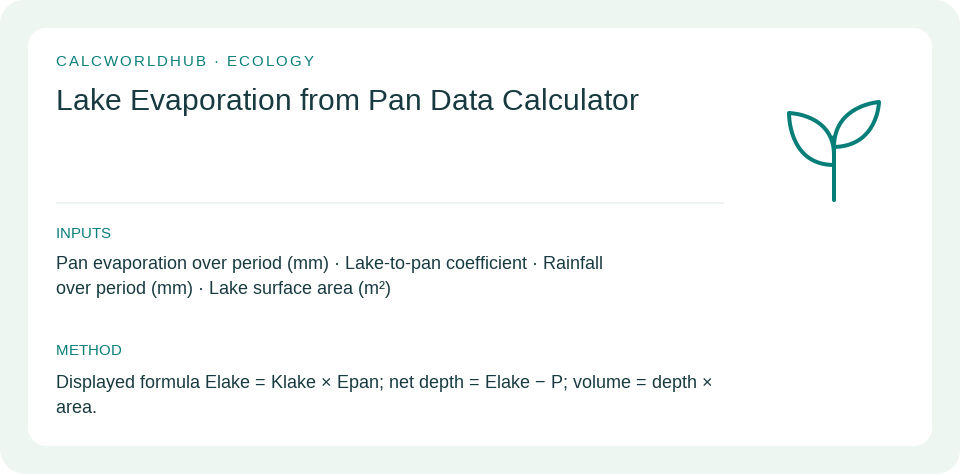
- Enter Pan evaporation over period (mm), Lake-to-pan coefficient, Rainfall over period (mm), Lake surface area (m²), then complete the remaining labeled fields. Match the units shown beside each field and review the result together with the assumptions below.
- Read the worked example below to check the expected input format and result.
- Compare another scenario by changing one input at a time. Use Reset to return to the starting values.
How this calculation works
An evaporation pan provides an observed water-depth loss. A user-supplied lake-to-pan coefficient scales that observation to an open-water estimate. Multiplying depth by lake area gives an approximate volume.
Inputs and units
panEvaporation— Pan evaporation over period (mm)- Measured pan water-depth loss over the selected period, in millimetres.
lakeCoefficient— Lake-to-pan coefficient- Locally selected factor applied to pan evaporation to estimate lake evaporation. The default is illustrative only.
rainfall— Rainfall over period (mm)- Precipitation over the same period and lake area, in millimetres.
lakeArea— Lake surface area (m²)- Representative open-water area over the period, in square metres.
periodDays— Period length (days)- Number of days represented by the pan and rainfall totals.
Formula
Elake = Klake × Epan; net depth = Elake − P; volume = depth × area.
Method
Enter pan evaporation and rainfall over the same period, a coefficient selected for the lake, and the lake surface area. The calculator reports gross lake evaporation, rainfall volume, and net atmospheric loss or gain.
Worked example
For 80 mm of pan evaporation, a locally selected coefficient of 0.70, 12 mm of rain, and 25,000 m² of lake area over 10 days, estimated evaporation is 56 mm, gross evaporated volume is 1,400 m³, rainfall is 300 m³, and net atmospheric depletion is 1,100 m³.
Assumptions and limits
The coefficient is site-, season-, and method-dependent. A conventional coefficient is not universally valid: pan-wall heating and heat storage or advection in a lake can create substantial errors. This water-balance estimate excludes inflow, outflow, seepage, groundwater exchange, runoff, and storage-area changes.
Frequently asked questions
Should I always use 0.70?
No. It is shown only as an example. Select a coefficient appropriate to the pan type, exposure, lake, season, and local method.
Does net depletion include runoff or seepage?
No. It subtracts rainfall from estimated evaporation only; other water-balance terms are excluded.
What does a negative net result mean?
Rainfall exceeded the estimated evaporation for the entered period and area.
How do I use the Lake Evaporation from Pan Data Calculator?
Enter Pan evaporation over period (mm), Lake-to-pan coefficient, Rainfall over period (mm), Lake surface area (m²), then complete the remaining labeled fields. Match the units shown beside each field and review the result together with the assumptions below.
What is a worked example of Lake Evaporation from Pan Data?
For 80 mm of pan evaporation, a locally selected coefficient of 0.70, 12 mm of rain, and 25,000 m² of lake area over 10 days, estimated evaporation is 56 mm, gross evaporated volume is 1,400 m³, rainfall is 300 m³, and net atmospheric depletion is 1,100 m³.
Reference: FAO guidance on pan evaporation as a rough estimate of lake and reservoir evaporation. See our calculation methodology.