How to use this calculator
Compare an air cleaner’s CADR with room volume and a clean-air change target to estimate the required unit count.
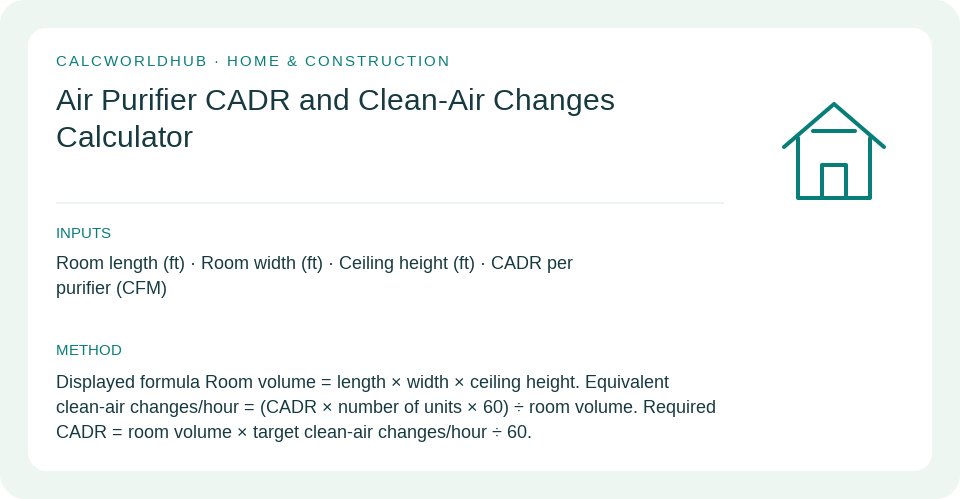
- Enter Room length (ft), Room width (ft), Ceiling height (ft), CADR per purifier (CFM), then complete the remaining labeled fields. Match the units shown beside each field and review the result together with the assumptions below.
- Read the worked example below to check the expected input format and result.
- Compare another scenario by changing one input at a time. Use Reset to return to the starting values.
How this calculation works
A purifier’s clean air delivery rate can be compared with the room’s air volume to estimate equivalent clean-air changes per hour. This is a recirculating cleaner-sizing calculation: it does not measure fresh-air ventilation, leakage, or the actual pollutant concentration in a room.
Inputs and units
roomLengthFt— Room length (ft)- Inside room length in feet.
roomWidthFt— Room width (ft)- Inside room width in feet.
ceilingHeightFt— Ceiling height (ft)- Average clear height of the room in feet.
unitCadrCfm— CADR per purifier (CFM)- Use a CADR rating for the pollutant category relevant to your purpose.
unitCount— Purifiers currently used (units)- Number of identical units operating in the room.
targetAch— Target clean-air changes per hour- Enter a target from applicable guidance or your own planning requirement; 4.8 is the AHAM rating basis for suggested room size.
Formula
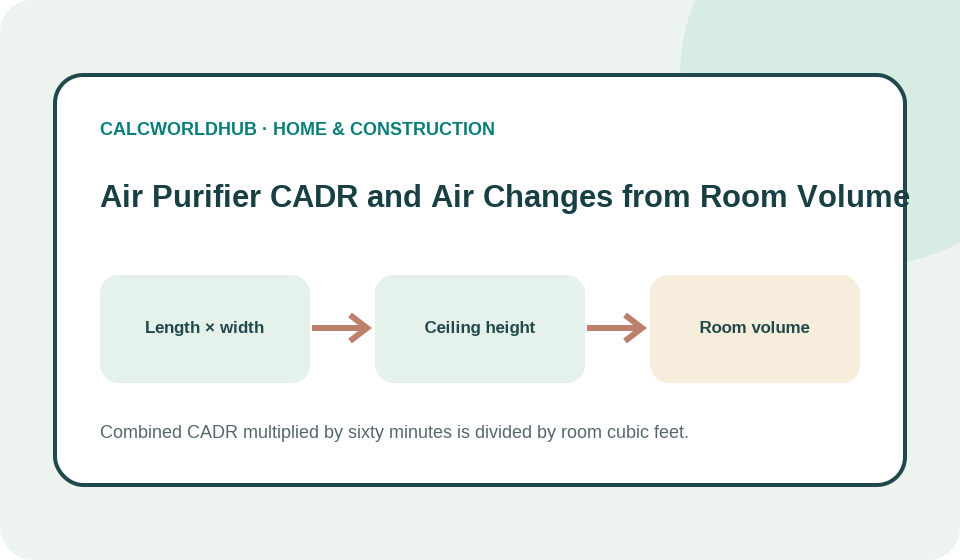
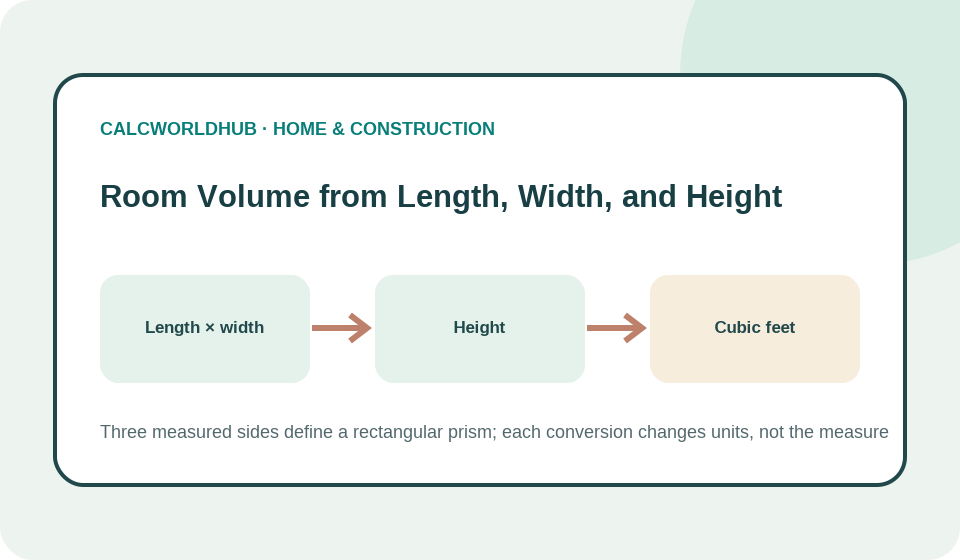
Room volume = length × width × ceiling height. Equivalent clean-air changes/hour = (CADR × number of units × 60) ÷ room volume. Required CADR = room volume × target clean-air changes/hour ÷ 60.
Method
Enter the purifier’s CADR and room dimensions in compatible U.S. customary units: CFM and feet. The number of whole units is rounded up so their combined rated CADR meets or exceeds the target.
Worked example
A 12 ft × 15 ft × 8 ft room has 1,440 ft³ of air. One 90 CFM purifier provides (90 × 60) ÷ 1,440 = 3.75 equivalent clean-air changes per hour. At a user-entered 4.8 target, required CADR is 115.2 CFM, so two identical 90 CFM units meet the arithmetic target.
Assumptions and limits
AHAM uses 4.8 air changes per hour when determining suggested room size for its certified cleaner ratings, but that rating basis is not a universal health prescription. Real performance depends on placement, fan setting, filter condition, room mixing, open doors, and CADR test conditions. Select a target appropriate to your use and follow product guidance.
Frequently asked questions
What does CADR mean?
Clean Air Delivery Rate is a rated clean-air output. AHAM Verifide explains that certified ratings are shown separately for smoke, dust, and pollen.
Is clean-air ACH the same as outdoor ventilation ACH?
No. This result is equivalent filtered recirculated clean air divided by room volume. It does not measure outdoor air supplied or contaminant removal from every source.
Why does the calculator round purifier count upward?
The count is a whole number of identical units. Rounding up is the smallest unit count whose combined rated CADR reaches the entered target.
Is 4.8 changes per hour required for every room?
No. It is the AHAM basis used for the suggested room size on its certified cleaner ratings. Choose a target based on the specific product guidance and purpose; it is not a universal medical threshold.
How do I use the Air Purifier CADR and Clean-Air Changes Calculator?
Enter Room length (ft), Room width (ft), Ceiling height (ft), CADR per purifier (CFM), then complete the remaining labeled fields. Match the units shown beside each field and review the result together with the assumptions below.
Reference: AHAM Verifide FAQ explaining the 4.8 air-change basis for certified purifier room-size ratings. See our calculation methodology.