How to use this calculator
Compare actual elapsed project duration with an approved baseline using the same time unit.
- Enter Actual elapsed duration, Approved baseline duration. Match the units shown beside each field and review the result together with the assumptions below.
- Read the worked example below to check the expected input format and result.
- Compare another scenario by changing one input at a time. Use Reset to return to the starting values.
How this calculation works
Project duration variance compares the elapsed duration recorded for a completed project with its approved baseline duration. Subtract baseline duration from actual duration to get a signed difference, then divide that difference by baseline duration for the relative variance.
Inputs and units
actualDuration— Actual elapsed duration- Enter the completed duration in the time unit you will also use for baseline duration.
baselineDuration— Approved baseline duration- Enter the approved project duration using the same time unit; must be positive.
Formula
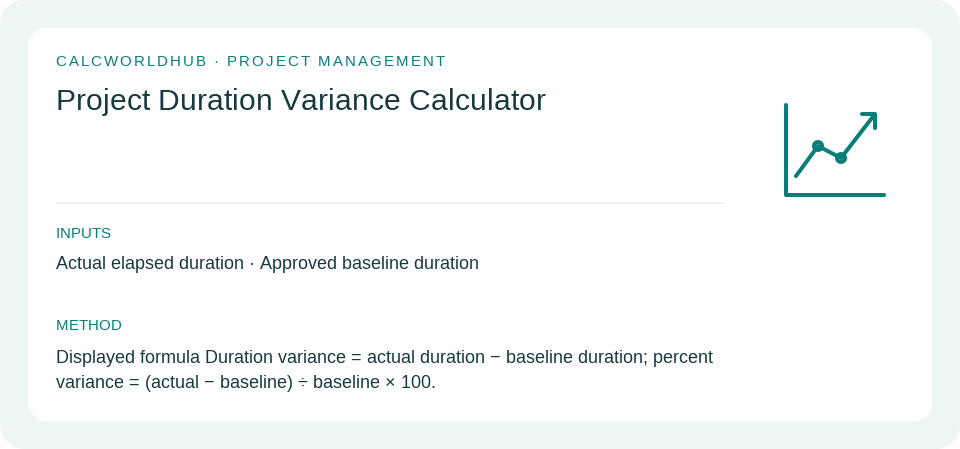
Duration variance = actual duration − baseline duration; percent variance = (actual − baseline) ÷ baseline × 100.
Method
Enter actual and baseline durations in the same unit, such as calendar days or working weeks. A positive result means the actual duration was longer; a negative result means it was shorter.
Worked example
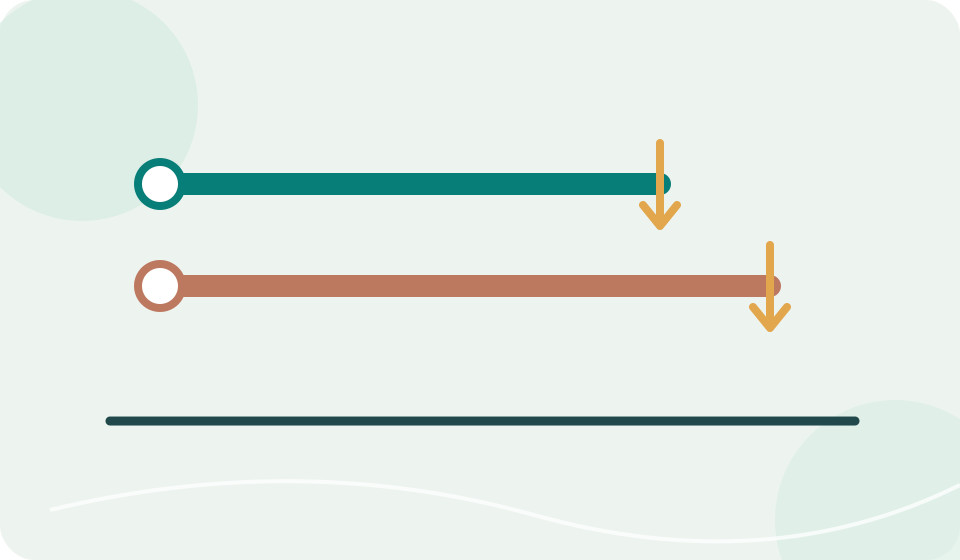
A completed project takes 20 weeks against an approved 16-week baseline. Duration variance is 4.00 weeks longer, or +25.00% of baseline.
Assumptions and limits
This comparison depends on start, finish, and calendar rules. It is not earned schedule time variance, a forecast at completion, or an explanation of why duration changed.
Frequently asked questions
What does a positive variance mean?
The actual project duration exceeded the approved baseline duration.
Can the variance be negative?
Yes. A negative result means the actual duration was shorter than the baseline.
Should I use working days or calendar days?
Either can be used if both durations use the same time unit and the same calendar rules.
How do I use the Project Duration Variance Calculator?
Enter Actual elapsed duration, Approved baseline duration. Match the units shown beside each field and review the result together with the assumptions below.
What is a worked example of Project Duration Variance?
A completed project takes 20 weeks against an approved 16-week baseline. Duration variance is 4.00 weeks longer, or +25.00% of baseline.
Read our calculation methodology.